
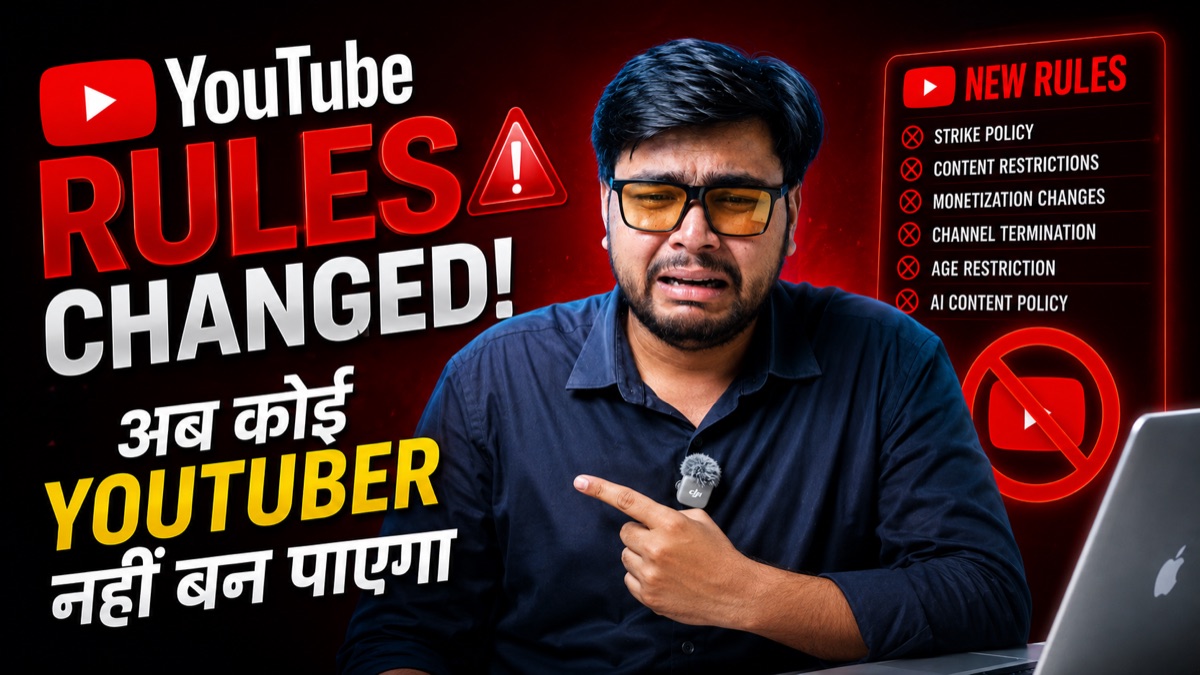
Waking Up to a Suspended YouTube Channel: The Emergency Playbook
There is no sensation more terrifying for a digital creator or media investor than opening YouTube Studio only to see a red banner: "Your channel has been terminated due to repeated or severe violations of our Community Guidelines."
Every year, hundreds of thousands of legitimate channels are caught in YouTube's automated AI spam filters. If your channel has been suspended, penalized, or terminated, do not panic and do not submit a rushed, emotional appeal. You typically get only ONE chance at a primary appeal review. This guide provides our proven appeal templates, escalation strategies via @TeamYouTube, and diagnostic checklists to audit channels before acquisition.
Crucial Rule Before You Appeal
Do not write an aggressive or confrontational message blaming YouTube. Human reviewers process hundreds of appeals daily. A concise, respectful, and policy-referenced appeal focusing on algorithmic false positives has a 4x higher approval rate.
Proven Appeal Template: Algorithmic False Positive
Copy and customize the following template when submitting the official YouTube Suspension Appeal Form:
My channel [Channel Name] (URL: https://www.youtube.com/channel/[Your-Channel-ID]) was recently suspended citing [Spam, Deceptive Practices, or Specific Policy].
I believe this suspension was triggered by an automated algorithmic false positive. My channel strictly adheres to YouTube Community Guidelines:
1. All uploaded content is 100% original, educational, and produced by my production team.
2. No misleading metadata, deceptive thumbnails, or spam clickbait links exist on my channel.
3. The channel has maintained a spotless track record with zero active strikes prior to this sudden action.
I kindly request a senior human specialist to manually review my channel history and reinstate access.
Thank you for your time and continued support of creators.
Sincerely,
[Your Full Legal Name]
[Your Registered Contact Email]
The Twitter/X Escalation Strategy (@TeamYouTube)
If your web form appeal receives a automated rejection within minutes, your appeal was likely reviewed by a bot. The most effective escalation path is reaching out to @TeamYouTube on X (Twitter):
- Create a public tweet tagging @TeamYouTube explaining that your channel URL was terminated erroneously.
- State that your channel was in full compliance with Community Guidelines and that you suspect an algorithmic error or account breach.
- TeamYouTube support agents have direct access to internal escalation queues and can route your case to a human specialist for re-evaluation.